· By Milton Yan
Give Codex & Claude Code eyes on social media
Bring public conversations into your coding agent’s workflow with CoreSpeed, from company research to launch feedback and source-linked insights.
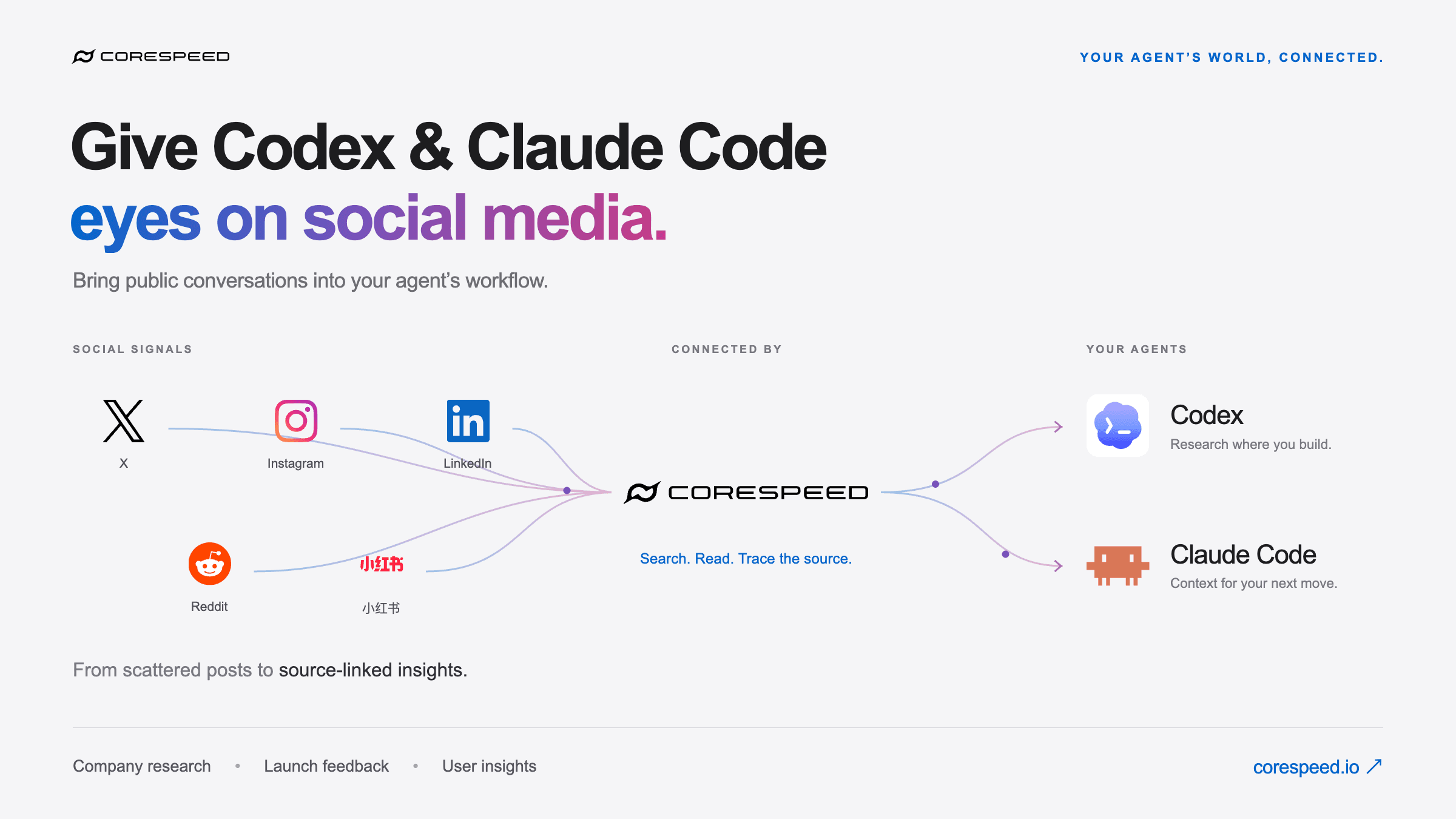
Today I asked Codex to research a company across social media. I wanted to find its real accounts, read what people were saying, and understand how that feedback compared with the company's own positioning.
That task made one part of what we're building at CoreSpeed click for me: give Codex and Claude Code eyes on social media.
Coding agents already help us build. Public conversations can give them context for deciding what to build next.
A research task inside the coding workflow
In this run, Codex used CoreSpeed to retrieve public data from X, Instagram, and Xiaohongshu, alongside web research. It looked for relevant profiles and mentions, checked whether accounts belonged to the same company, and brought back links to the sources behind its findings.
The useful result was a distinction between three things:
- What the company says: its positioning, product descriptions, and announcements.
- What other people say: independent mentions, questions, and feedback.
- What we still don't know: accounts that could not be verified and platforms where the available results were incomplete.
Those distinctions matter. A similarly named account can belong to a different business. A founder's own launch post is useful context, but it isn't independent customer feedback. No search results means we didn't find something; it doesn't establish that nobody is talking about it.
CoreSpeed supplies access to public social data through its Social capability. The agent handles the question, cross-checking, and synthesis. Connected accounts are a separate part of the workflow when a task needs account-specific actions. Available capabilities, platform coverage, and account connections determine what an individual session can do.
Try it with one concrete question
Start with the CoreSpeed quickstart. Sign in to the dashboard first to create your workspace, then add CoreSpeed to your MCP client.
For Codex:
codex mcp add corespeed --url https://api.corespeed.io/mcp
codex mcp login corespeed
For Claude Code:
claude mcp add --scope user --transport http corespeed https://api.corespeed.io/mcpThen run /mcp in Claude Code and select corespeed to complete browser sign-in. The research session described here ran in Codex; these connection instructions cover both clients.
Give the agent a bounded task. Include the company's website so it can check identities rather than matching names alone:
Research [company name], whose website is [company URL].

First check which public social research tools are available.
Find the company's accounts and relevant public mentions on the
platforms those tools support. Use web research for additional context
if available, and label which source each finding came from.

Separate the company's own claims from third-party feedback.
For each finding, include the original link and the post date when available.
Flag uncertain account matches and gaps in coverage.

Return a concise summary, an evidence table, and questions worth
investigating next. Do not publish or contact anyone.
Once you have the evidence, ask a narrower follow-up: “Which complaints appear in more than one independent source?” or “Which questions could our onboarding answer more clearly?” Keep links attached to the answer so you can inspect the original context before acting on it.
Three places this helps builders
Company research. Compare how a product presents itself with the questions and experiences people share publicly. Ask for examples behind each conclusion, especially when comparing alternatives.
Launch feedback. Give the agent a product name and launch window. Ask it to organize the mentions it finds into questions, praise, and friction. A few enthusiastic posts are encouraging, but they aren't a representative measure of customer satisfaction.
User insights. Look for recurring descriptions of a problem. Have the agent propose interview questions or product hypotheses grounded in those posts. Public feedback can help you decide what to investigate; interviews and product usage still matter when deciding what to ship.
Keep the evidence with the insight
The output I want is a short answer I can check: who said what, where they said it, and what remains uncertain.
Search coverage varies. Posts may be unavailable, profile names may be ambiguous, and the same announcement can be repeated across accounts. Treat these results as a research sample, preserve the source links, and avoid turning a handful of mentions into a claim about everyone.
This is the workflow we're building toward at CoreSpeed: public signals become useful context in the agent session where the work happens.
Search. Read. Trace the source.
Connect CoreSpeed to your agent and start with one company, one launch, or one question you want to understand better.